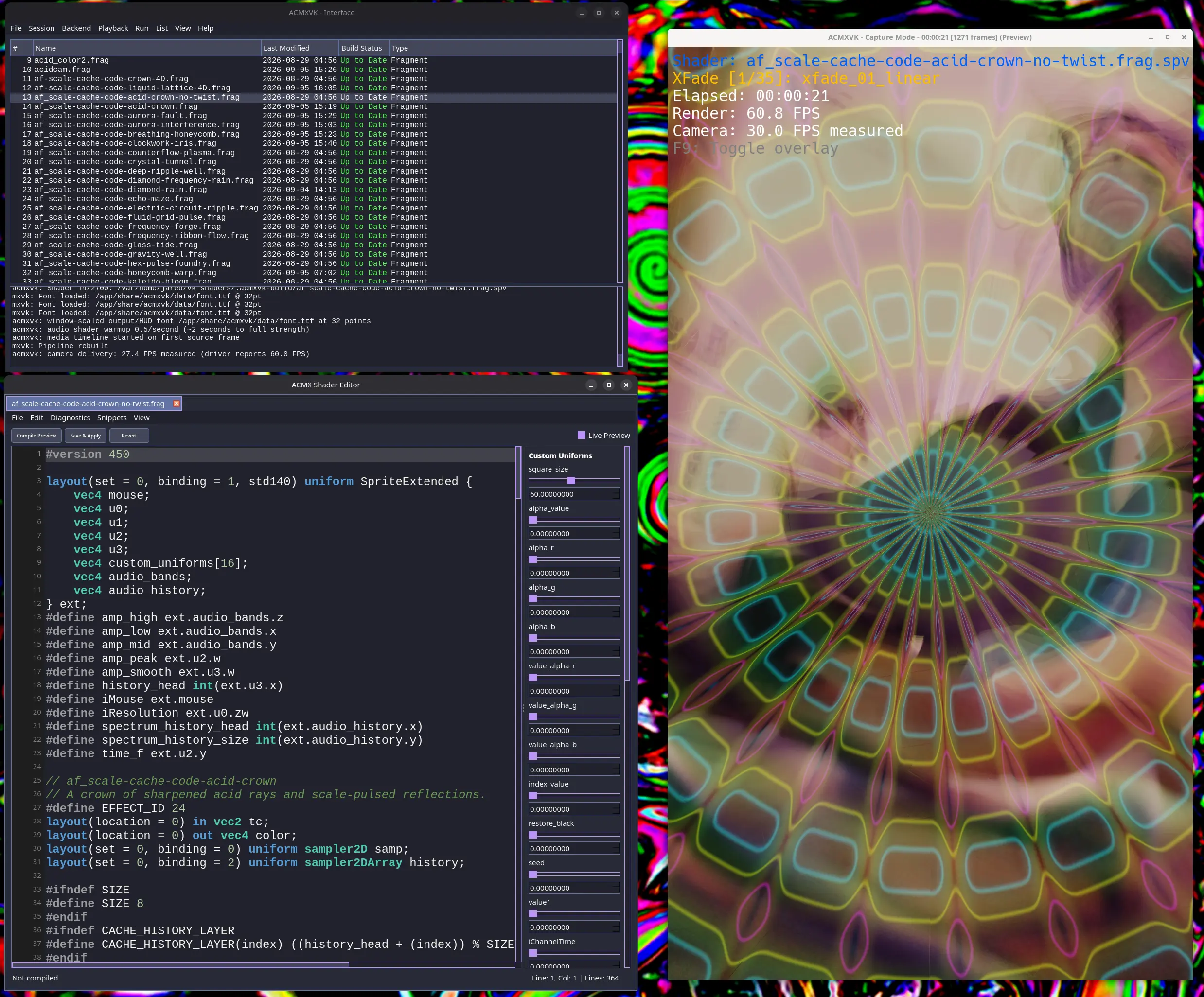
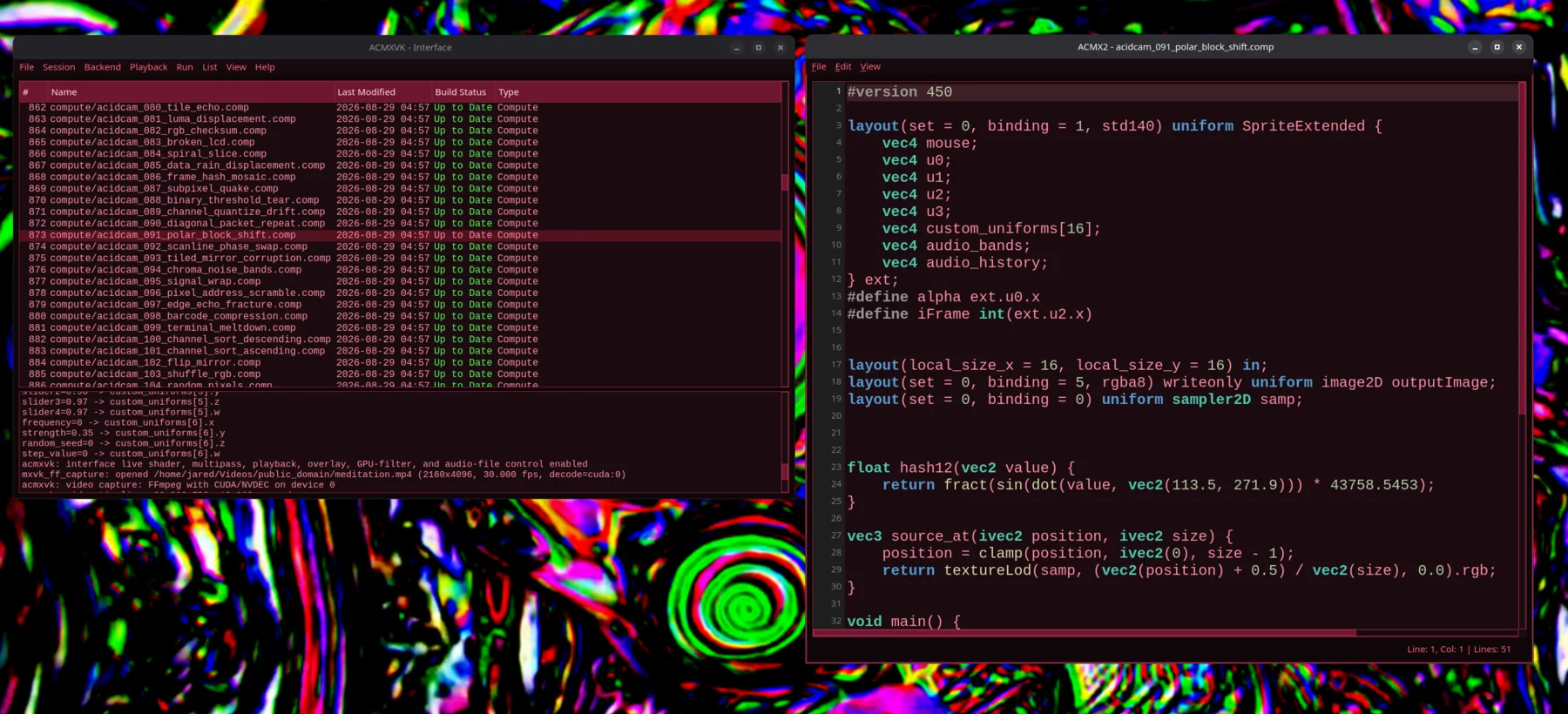
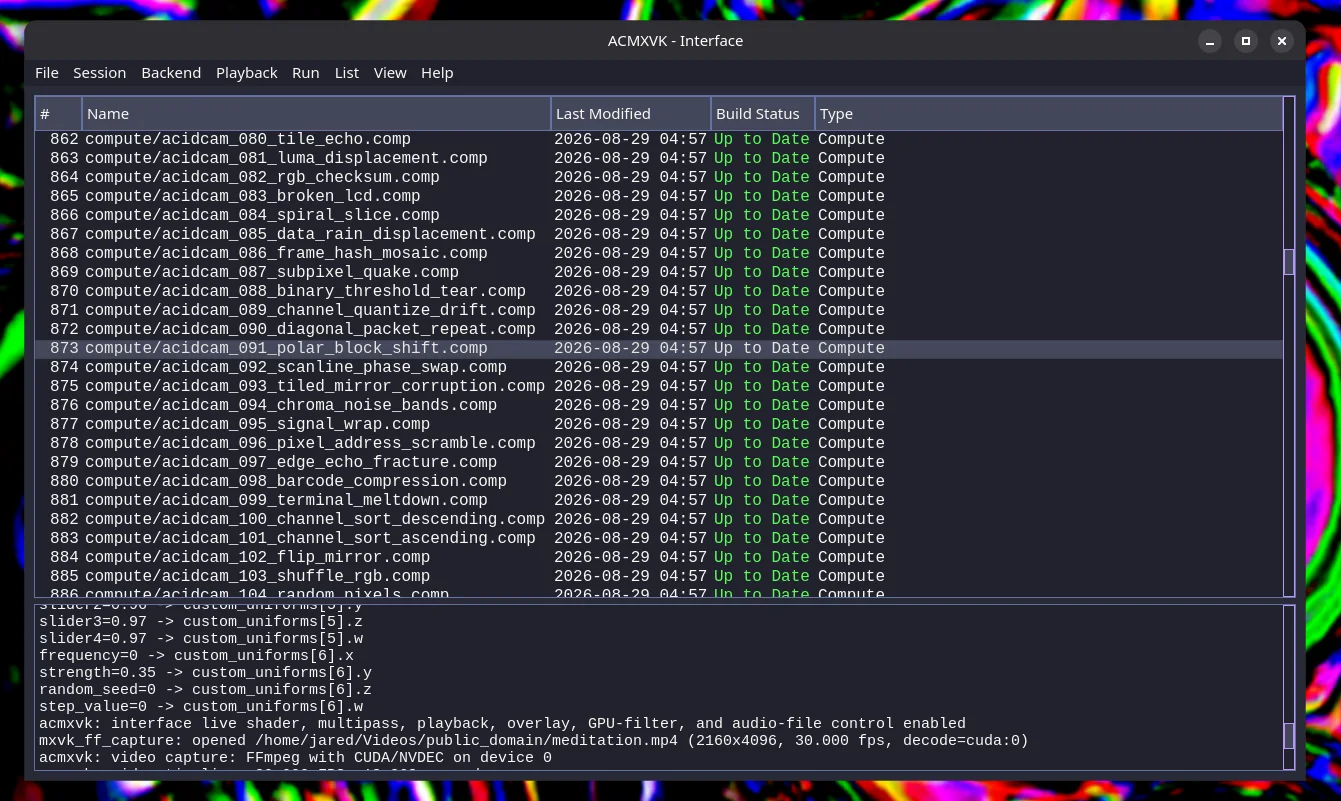
ACMX is a real-time video synthesis and glitch-art workstation with two GPU engines. Choose the established ACMX2 OpenGL backend or the new ACMXVK Vulkan backend, then build shader chains, react to audio, map MIDI controls, and record the result.
No CUDA requiredOpenGL + VulkanRtAudio enabledMIDI enabledFragment + compute shaders
ACMX / live shader sessionACMX2 + ACMXVK
Browse and build shader libraries, edit GLSL, and preview the processed output in real time.
Work with large fragment and compute shader libraries from the shared Qt interface.Build status, runtime logs, and backend controls stay visible in one workspace.
// What it does
A visual instrument, not just a video filter.
ACMX builds a flexible real-time processing pipeline around shader code. Use it for performance visuals, experimental video, live coding, offline rendering, recording, and deliberate digital chaos.
01
Real-time shader pipeline
Choose the ACMX2 OpenGL engine or ACMXVK powered by Vulkan and MXVK. Run fragment and compute effects, combine multiple passes, crossfade between chains, and use history textures for temporal effects.
02
Live coding & playlists
Create source libraries, compile GLSL to SPIR-V for ACMXVK, edit and reload individual shaders during a session, arrange multipass nodes into playlists, and use automatic playback modes to keep visuals evolving.
03
Audio & MIDI control
Drive visuals from a microphone, audio file, or a video's own audio track. Audio pass-through, recording, and muxing are available, while MIDI mapping turns knobs, pads, and faders into live shader controls.
04
Media in, recorded video out
Process cameras, videos, and still images; render shader-textured OBJ/MXMOD scenes; take snapshots; or encode finished video with the FFmpeg library writer. ACMXVK also supports recorded headless processing.
// Linux demonstration
See ACMX running on Linux.
Watch a demonstration of the ACMX interface, its dual rendering backends, and the real-time shader workflow on Linux.
// Quick start
From download to first shader.
Four steps. The application bundle contains both engines and their runtime resources. Clone the shader repository when you want a large editable library of effects.
Install the downloaded Flatpak
Open a terminal in your Downloads folder and install the bundle for your user account. Your software center may also open the file when you double-click it.
flatpak install --user ./ACMX2.flatpak
Download the current shader library
Clone the maintained lostjared/shaders repository. This creates a folder named shaders in the current directory.
No Git?Download the ZIP, extract it, and remember where you placed the extracted shader folder.
Launch ACMX
Start it from your desktop application menu, or launch the Qt interface from a terminal:
flatpak run io.github.lostjared.ACMX2
Choose a backend and shader library
Open Settings, choose ACMX2 for OpenGL shaders or ACMXVK for Vulkan/SPIR-V, then browse to a compatible shader library. The interface can build ACMXVK source libraries and report their compile status.
File → Properties → Shaders location
i
The Flatpak includes shader and runtime data for both backends. Use a writable downloaded library when you want to edit shaders, rebuild ACMXVK SPIR-V files, or pull updates with git pull.
// Ready
Make something unstable.
This portable x86_64 build packages the complete ACMX workspace for modern Linux desktops, including the Stable Diffusion server used by ACMXVK. CUDA, OpenCV DNN, WebP, and TIFF are omitted from this portable build.
ACMX Flatpak
The shared Qt interface, ACMX2 and ACMXVK command-line engines, MIDI mapper, audio and MIDI support, packaged GLSL compiler, runtime data, models, playlists, shader resources, and the Vulkan-enabled stable-diffusion.cpp sd-server for optional ACMXVK image-to-image processing. Version 2.140.0 keeps the interface responsive during rapid ACMXVK shader changes and condenses visible Vulkan log traffic while preserving complete per-run file logs.