MXCMD Shell Scripting Language Guide
MXCMD is a lightweight shell and scripting language designed for command automation, file tools, regex processing, and custom command extensions.
Project Overview
Supported Commands
Control Flow
Expressions & Syntax
Script Examples
AST Visualizer
Project GitHub
Platform and Releases
Windows x64 Beta
Current packaged build targeted for MinGW-w64 testing and feedback.
What is Included
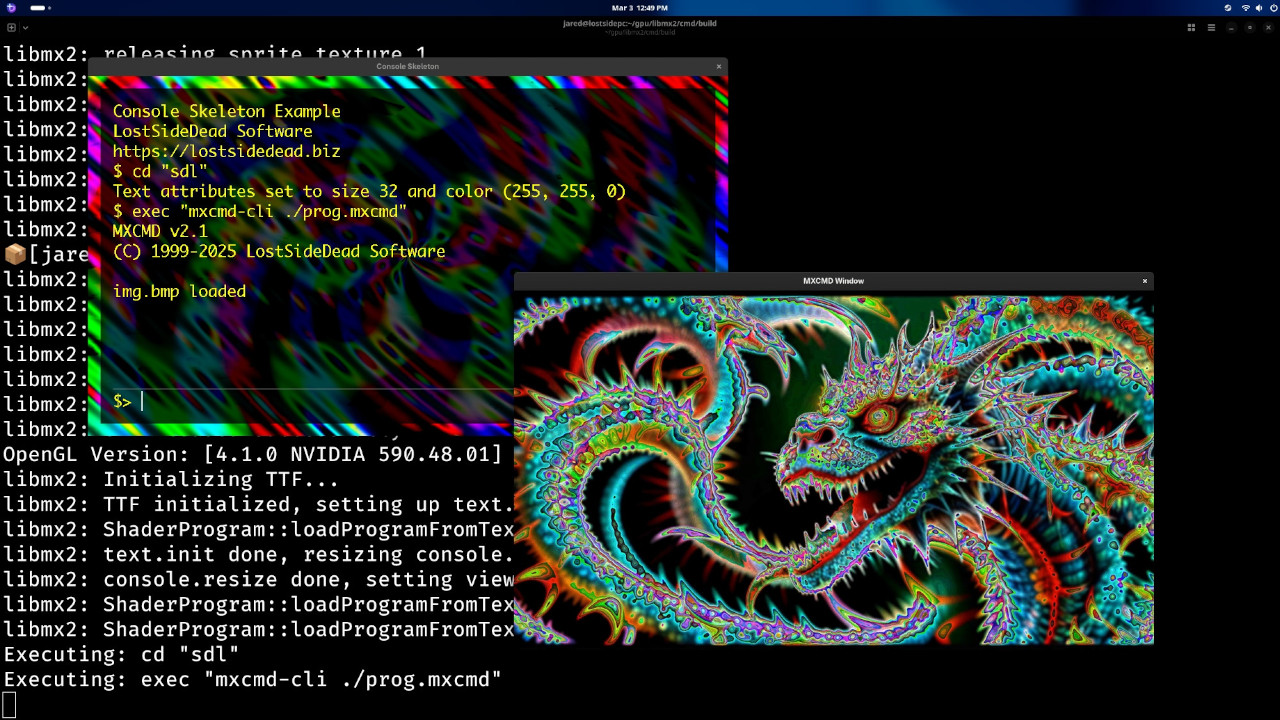
CLI runtime, scripting support, and optional SDL/OpenGL console components for visual shell workflows.
Quick Start
mxcmd-cli
echo "hello from mxcmd"
pwd
commands
Tip: keep file paths and multi-word strings in quotes to avoid parser issues.
Build from Source (Linux and Unix)
Install these prerequisites first: git, g++, cmake, and readline development headers.
git clone https://github.com/lostjared/libmx2.git --depth 1
cd libmx2/cmd
mkdir build && cd build
cmake .. -DCMD=ON -DSHARED=ON
cmake --build .
sudo cmake --install .

mxcmd-cli
Build with GUI Console
For graphical console mode, compile with SDL2/OpenGL support plus libmx2.
git clone https://github.com/lostjared/libmx2.git --depth 1

cd libmx2/libmx
mkdir build && cd build
cmake .. -DEXAMPLES=OFF -DDEBUG_MODE=OFF
cmake --build .
sudo cmake --install .

cd ../../cmd
mkdir build && cd build
cmake .. -DCMD=ON -DSHARED=ON -DCONSOLE=ON
cmake --build .
sudo cmake --install .
Common MXCMD Workflows
Run a Script
cmd "build.mxcmd"Inspect Tokens
tokenize "script.mxcmd"Render AST to HTML
visual "script.mxcmd" "ast.html"Regex Utilities
regex_search "[0-9]+" "abc123"Command Line Arguments
| Option | Description |
|---|---|
| -h, --help | Display help message |
| -v, --version | Display version |
| -i, --stdin | stdin input |
| -d, --debug | debug output |
| -s, --syntax | debug syntax highlighting output |
| -t, --tokens | debug token stream output |
| source_file.mxcmd | execute script file |
| -c <value>, --command <value> | run one command and exit |