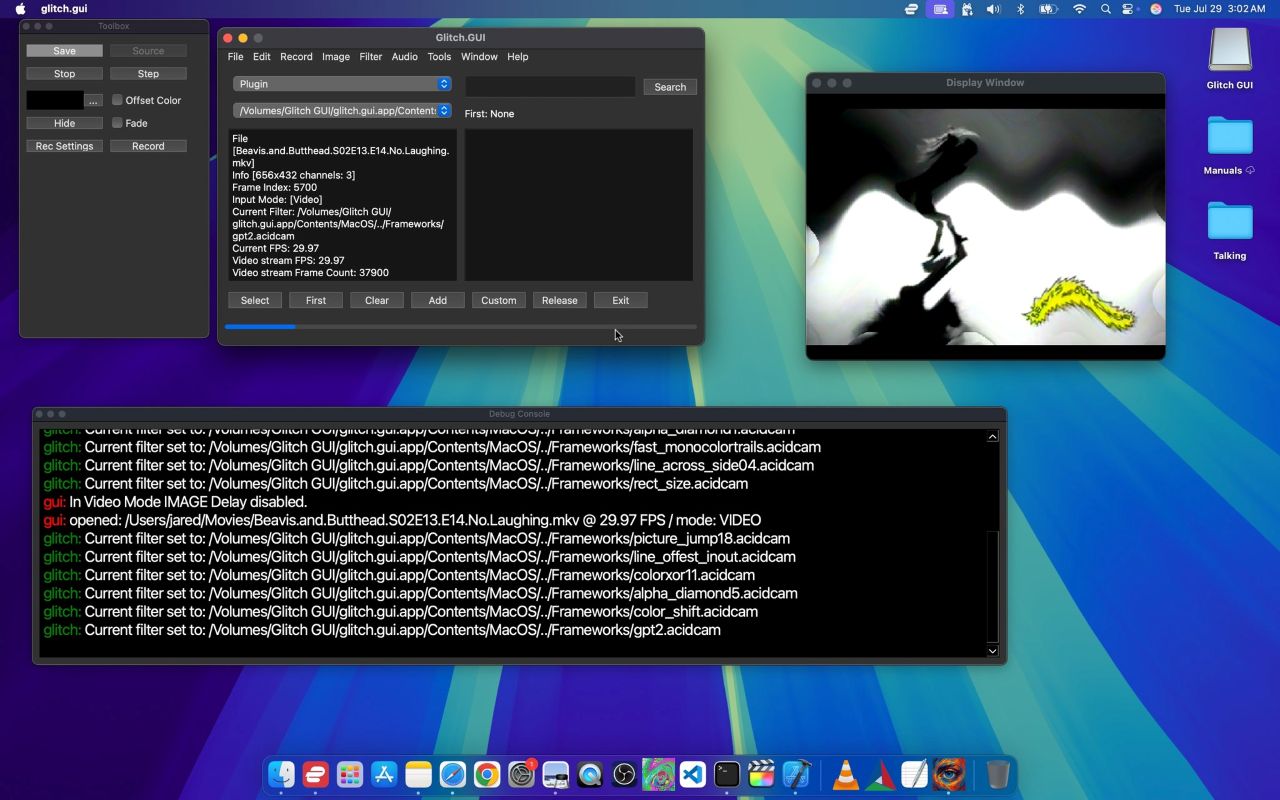
Glitch.GUI for Apple Silicon (ARM64)

Unleash your creativity and transform images and videos into breathtaking glitch art on Apple Silicon.

Download ARM64 DMG 7z

Key Features

Dynamic Glitch Creation

Create mesmerizing glitch art from existing media and turn it into unique digital masterpieces.

Extensive Effects Library

Chain multiple image and video effects to build complex filters and achieve limitless creative possibilities.

Custom Filters & Plugins

Save your favorite combinations as custom filters or extend functionality via third-party plugins.

How It Works

  1. Select Input: Pick an image or video from your library.
  2. Apply Effects: Choose and animate filters in real time.
  3. Preview: Watch your art come alive with smooth, high-quality rendering.
  4. Save & Export: Use the Save button or press “S” to capture stills.
  5. Record Video: Press “D” to start/stop video recording of your glitch animations.
  6. Navigate Filters: Arrow keys to step through effects; “E” to advance animations.

Screenshot