MasterX System - Compiler Shell Environment

MasterX System — an integrated desktop shell for the MXVM compiler stack

MasterX is a self-contained development environment built around MXVM, a custom virtual machine and compiler suite written in modern C++20. It bundles a terminal, Pascal compiler (mxx), MXVM bytecode driver (mxvmc), and supporting toolchain into one Flatpak so you can write, compile, translate to assembly, and execute programs without leaving the workstation.

C++20 Core Pascal Frontend RISC-style Bytecode x86-64 Codegen SysV / Win64 / Darwin SDL2 + SDL2_ttf Flatpak Sandbox
What This Application Does

MasterX System is a desktop shell purpose-built for working with the MXVM compiler stack. Rather than being a single editor or launcher, it acts as an integrated workstation: a terminal-driven environment with the entire MXVM toolchain pre-installed and configured, along with classic Unix editors (vim, nano), SDL2 graphics support, and the runtime libraries required to execute or build native binaries from MXVM bytecode.

What MXVM Is

  • A custom RISC-style virtual machine and bytecode language
  • A Pascal-subset compiler frontend (mxx)
  • An interpreter and a native x86-64 code generator
  • A module system with built-in io, std, string, and sdl libraries
  • An experimental, educational project — not for production use

What MasterX Provides

  • A reproducible Flatpak environment with the full toolchain wired up
  • Terminal-first workflow for compile / translate / run iteration
  • mxx, mxvmc, and mxvm-html on the path
  • System assembler/linker (as, ld) and SDL2 libs available
  • Built-in demos and example programs to study and modify
How It Works End To End

MXVM is a multi-stage compiler pipeline. Source code — either Pascal (.pas) or hand-written MXVM assembly (.mxvm) — flows through the frontend, validator, and code generator to produce bytecode, which can be interpreted directly or lowered to native x86-64 assembly and linked into a standalone executable.

1) Scanner & parser build a typed AST
2) Validator performs scope & type analysis
3) Code generator emits MXVM bytecode
4) Interpret, or translate to native x86-64
The same bytecode IR feeds two backends: a stack-based interpreter for fast iteration and an x86-64 code generator that targets Linux (System V ABI), macOS (Darwin), and Windows (Win64). A peephole optimiser cleans the emitted assembly with redundant-load elimination, dead-store removal, and strength reduction (e.g. multiply/divide by powers of two → shifts).
Command Examples

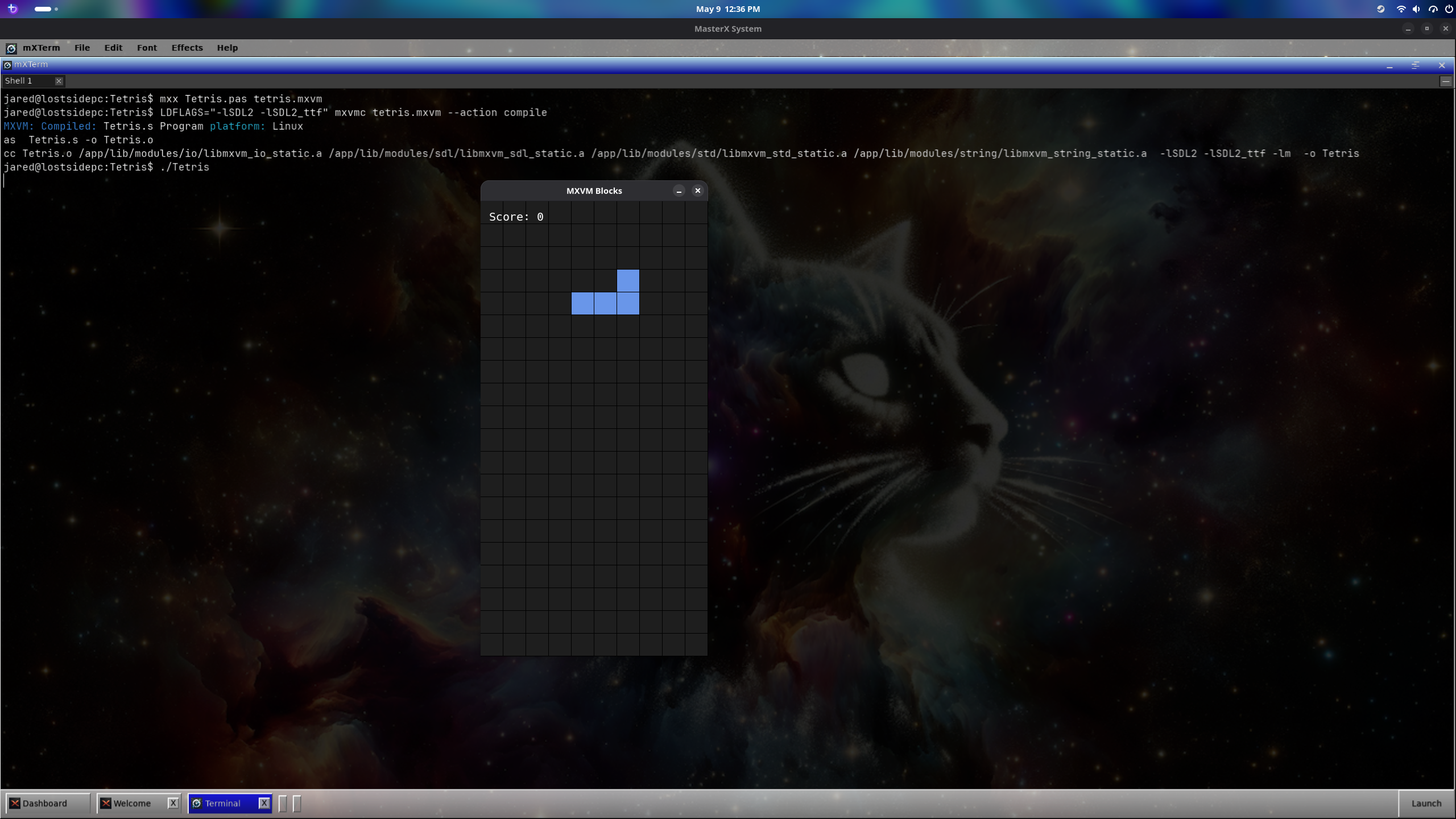
Typical iteration loop — compile Pascal to bytecode with mxx, then interpret or translate the bytecode with mxvmc. The .mxvm extension is optional; mxvmc appends it automatically when omitted.

# Compile Pascal to MXVM bytecode mxx -i MyProgram.pas -o MyProgram.mxvm # Or omit -o to derive the name from 'program MyProgram;' mxx -i MyProgram.pas # Batch-compile multiple Pascal sources / units mxx -c MathUtils.pas TestMain.pas # Interpret bytecode (stack-based VM) mxvmc MyProgram.mxvm --path /app/lib # Translate to native x86-64 assembly mxvmc MyProgram.mxvm --path /app/lib --action translate # Compile + assemble + link to a native executable mxvmc MyProgram.mxvm --path /app/lib --action compile

The runtime ships four built-in modules: io (file I/O, RNG), std (math, memory, system), string (string manipulation), and sdl (SDL2/SDL2_ttf graphics, audio, and text rendering).

Pascal Frontend (mxx)

mxx is a Pascal-subset compiler that parses Pascal source, builds a typed AST, validates it, and emits MXVM bytecode. It supports a substantial slice of classic and Delphi-flavoured Pascal:

Language Features

  • Case-insensitive keywords and identifiers
  • Types: integer, real, boolean, char, string, typed pointers (^T), records (incl. variant), enums, sets, files
  • Fixed and dynamic arrays (array of T) with SetLength, Length, High, Low
  • Control flow: if, while, for/to/downto, repeat/until, case, break, continue, goto
  • Procedures & functions with var (by-ref) parameters, nesting, recursion

Modules & Built-ins

  • Separately compiled units with interface / implementation sections
  • Qualified cross-unit calls: MathUtils.Add(3, 4)
  • with statements, sets with in / union / intersection
  • Pascal-style file I/O: assign, reset, rewrite, writeln, readln, eof
  • Built-in routines: abs, sqrt, sin, cos, pow, length, pos, copy, new, dispose, halt, …
MXVM Bytecode at a Glance

MXVM bytecode is a RISC-style assembly language with destination-first operand order. Programs are wrapped in a program block containing data, module, and code sections. Object files (object blocks) can be linked and referenced with dot notation, e.g. call Utils.print_line.

program MyApp { section data { int counter = 0 float pi = 3.14159 string msg = "Hello, MXVM!\n" } section module { io, string, std } section code { start: print msg add counter, counter, 1 cmp counter, 10 jl start done } }

Instruction families include arithmetic (add, sub, mul, div, mod, bitwise), branching (cmp, jmp, je, jl, jge, …), memory (load, store, alloc, realloc, free), stack, and module invoke. Data types: int (64-bit), float (double), string, ptr, byte, and label.

Screenshots
Splash Screen
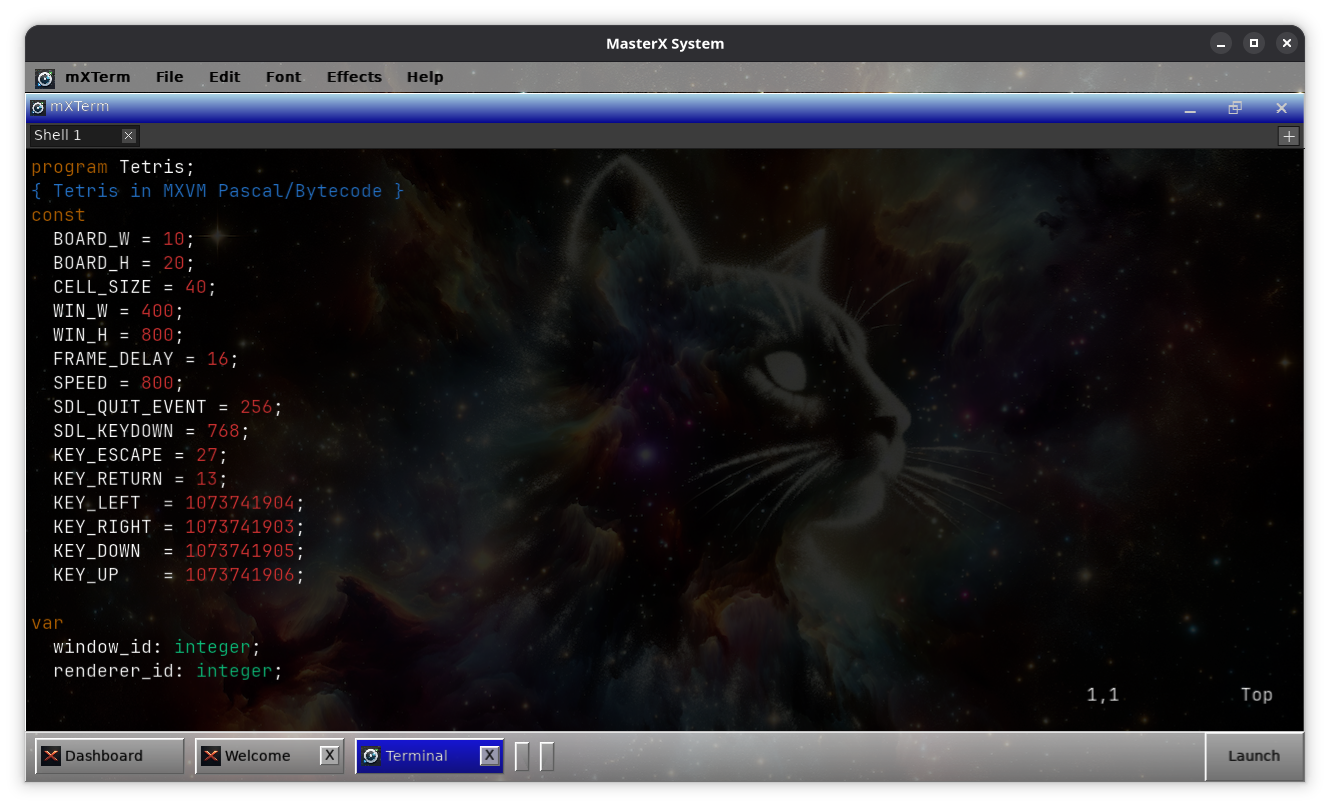
Compiler
vim/nano for text editing
Running Software
Built in Demos
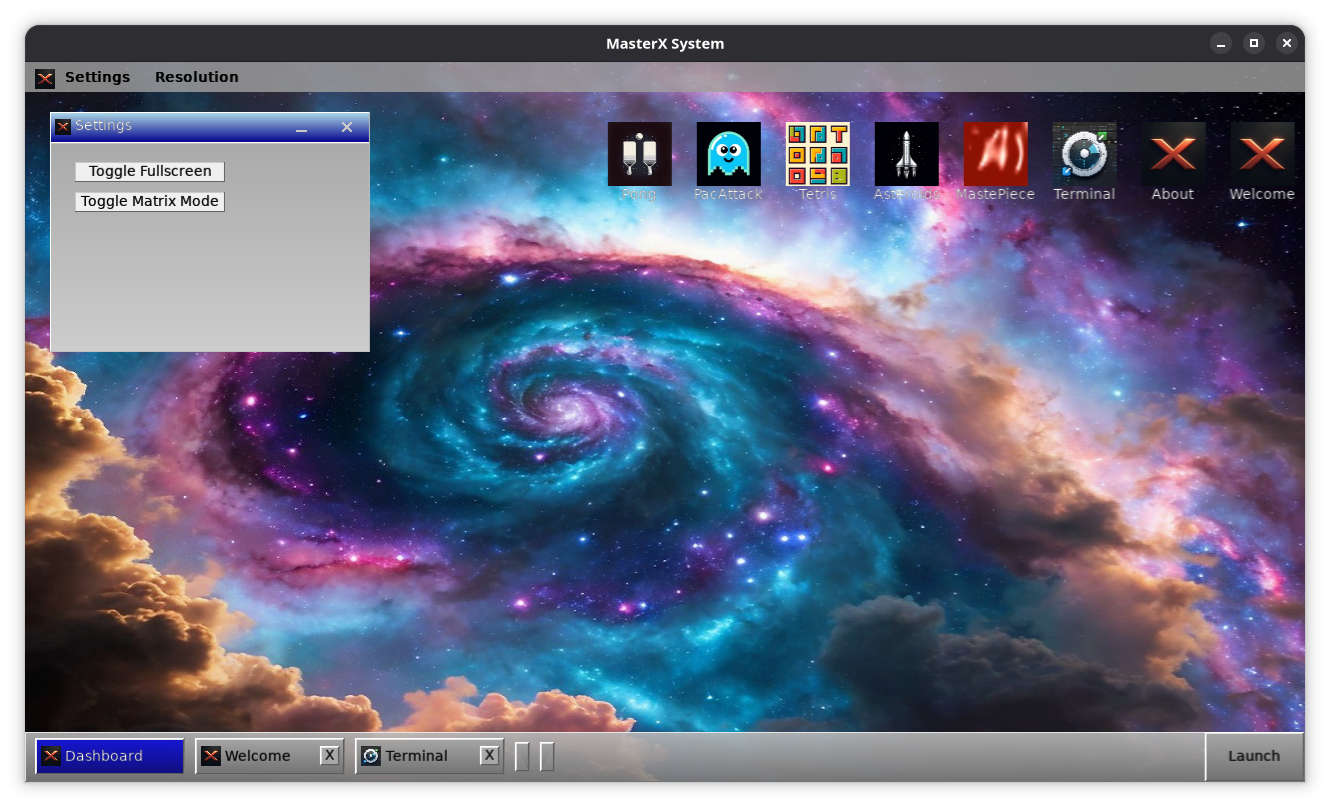
GUI Elements

MasterX System is free software.

Why MasterX + MXVM
  • One environment, full pipeline. Edit, compile, validate, translate, and execute without juggling separate installs.
  • Fast iteration across stages. Test bytecode in the interpreter, then drop down to native assembly when you need to inspect codegen or measure performance.
  • Real toolchain experience. The same workflow used to build the MXVM examples and SDL demos — including Pascal units, modules, and native linking.
  • Educational by design. Every layer is observable: AST, bytecode, x86-64 assembly, and the resulting binary.
  • Reproducible Flatpak sandbox. Same environment on any Linux host, no dependency drift.
MasterX System is intended as an experimental learning and development platform. It is well suited to demonstrating compiler architecture — from Pascal source through bytecode to native x86-64 — in a practical, hands-on desktop environment.
Install
# One-time setup: add Flathub remote (if missing) flatpak remote-add --if-not-exists flathub https://flathub.org/repo/flathub.flatpakrepo # Install Freedesktop SDK runtime used by the app flatpak install --user flathub org.freedesktop.Sdk//24.08 # Install local Flatpak bundle from where you downloaded it cd /path/to flatpak install --user ./MasterX.flatpak # Run flatpak run biz.lostsidedead.MasterX
Download MasterX flatpak Try WebAssembly Demo MXVM Documentation Download MXVM Examples GitHub Repo